Why WhatsApp Works as a Sales Channel
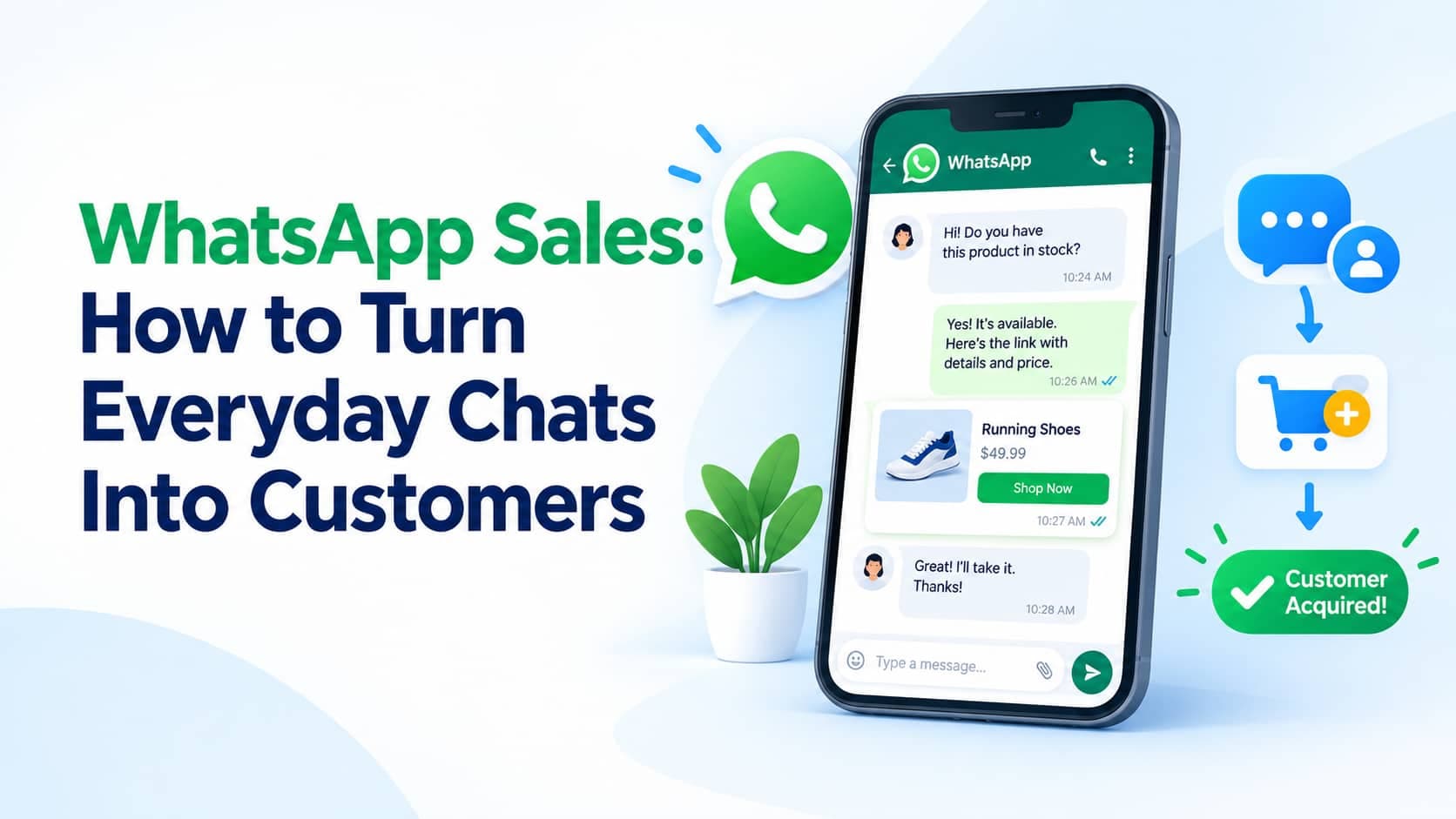
For many customers WhatsApp is the app they open most, and a message there feels personal rather than formal. That familiarity shortens the distance between interest and purchase. A customer can ask a question, see a photo, receive a payment link, and confirm an order without leaving one conversation. WhatsApp sales is the deliberate use of that conversation to attract, nurture, and convert customers, and it works best when it feels like helpful service rather than broadcast advertising.
The Business App Versus the API
There are two main ways to use WhatsApp for business. The WhatsApp Business app is free, runs on a phone, and offers a business profile, product catalog, quick replies, labels, and away messages. It suits owners handling a modest number of conversations. The WhatsApp Business API connects to a provider and your own systems, supports multiple agents, automation, and approved template messages sent at scale, and suits larger or fast-growing operations. A simple rule of thumb: if you can no longer answer every message promptly from one phone, it is time to look at the API.
A Sales Conversation, Step by Step
Consider a home-bakery that takes custom cake orders. A customer messages asking about a birthday cake. An automated greeting acknowledges the message and asks for the date, servings, and flavor. The owner replies with two or three options, each with a photo and price drawn from the catalog. The customer picks one, and the owner sends a payment link and a confirmation of the delivery date. The day before delivery, an automated reminder goes out, and after delivery a polite message asks for a review. Every stage is short, helpful, and closes the loop on the next step.
Message Templates and the 24-Hour Window
On the API, businesses can reply freely during a limited window after the customer's last message. To start a conversation or message outside that window, they must use pre-approved templates, such as order updates or appointment reminders. This rule exists to limit unsolicited marketing, so plan your key messages as templates in advance, and understand that approval requirements and pricing categories are set by the platform and may change, so check current documentation with your provider.
Tools That Make Selling Easier
Catalogs let customers browse products with images and prices inside the chat. Labels tag contacts by stage, such as new enquiry, quote sent, awaiting payment, and delivered, so nothing is forgotten. Quick replies store answers to frequent questions, like opening hours or delivery fees. Away messages manage expectations outside working hours. Even small businesses can run a surprisingly organized pipeline with these four features.
Response Speed and Tone
Customers who message a business on WhatsApp expect quick replies. Slow responses are easily read as lack of interest, and the customer moves on to the next seller. Set a simple target, such as replying within a few minutes during business hours, and use an automated greeting to cover busy periods. Keep the tone conversational and the messages short, with one question or one next step at a time.
Consent and Account Health
Only message people who have asked to hear from you or who have an existing relationship with you, and honor opt-outs immediately. WhatsApp can limit or suspend numbers that generate many complaints or blocks, so quality and relevance protect your ability to keep selling. A message that customers welcome is also the most effective sales message.
Pairing WhatsApp With SMS
WhatsApp requires an internet connection and an installed app, so it does not reach everyone. Many businesses send critical messages, such as one-time passwords and delivery alerts, by SMS for reach, and run richer sales conversations on WhatsApp. This combination covers more customers and lets each channel do what it does best.
Common Mistakes
Common errors include broadcasting generic promotions to a list that never opted in, replying slowly, giving no clear next step in a conversation, not using labels so leads are forgotten, and mixing personal and business numbers. Another is automating too much: a chatbot that traps customers in a loop frustrates them, so always provide a clear path to a human.
Frequently Asked Questions
Can I use my personal number?
It is better to use a dedicated business number so you can keep personal and customer conversations separate.
Do I need the API to take payments?
Not necessarily. Many businesses simply send a payment link from a payment provider within the chat, using either the app or the API.
Is WhatsApp better than SMS for sales?
They serve different purposes. WhatsApp suits rich, two-way conversations, while SMS suits universal reach and critical alerts.
Conclusion
WhatsApp sales works because it lets customers move from question to purchase inside one familiar conversation. Choose the right tool for your volume, plan your templates in advance, use catalogs and labels to stay organized, reply quickly, respect consent, and pair the channel with SMS for reach. Start with a simple flow, watch where customers hesitate, and refine from there.