If you've ever started planning a website, you've probably heard the terms
"web design" and "web development" used almost interchangeably. They
sound similar, they often overlap in job postings, and many freelancers do
both. But they are actually two distinct disciplines, each with its own skills, tools, and goals. Understanding the difference matters whether you're hiring
a professional, building a website yourself, or simply trying to make sense
of the industry. In this post, we'll break down what web design and web development really mean, explore the core elements of each, and look
at why the best websites come from combining both disciplines thoughtfully.
What is Web Design and Development?
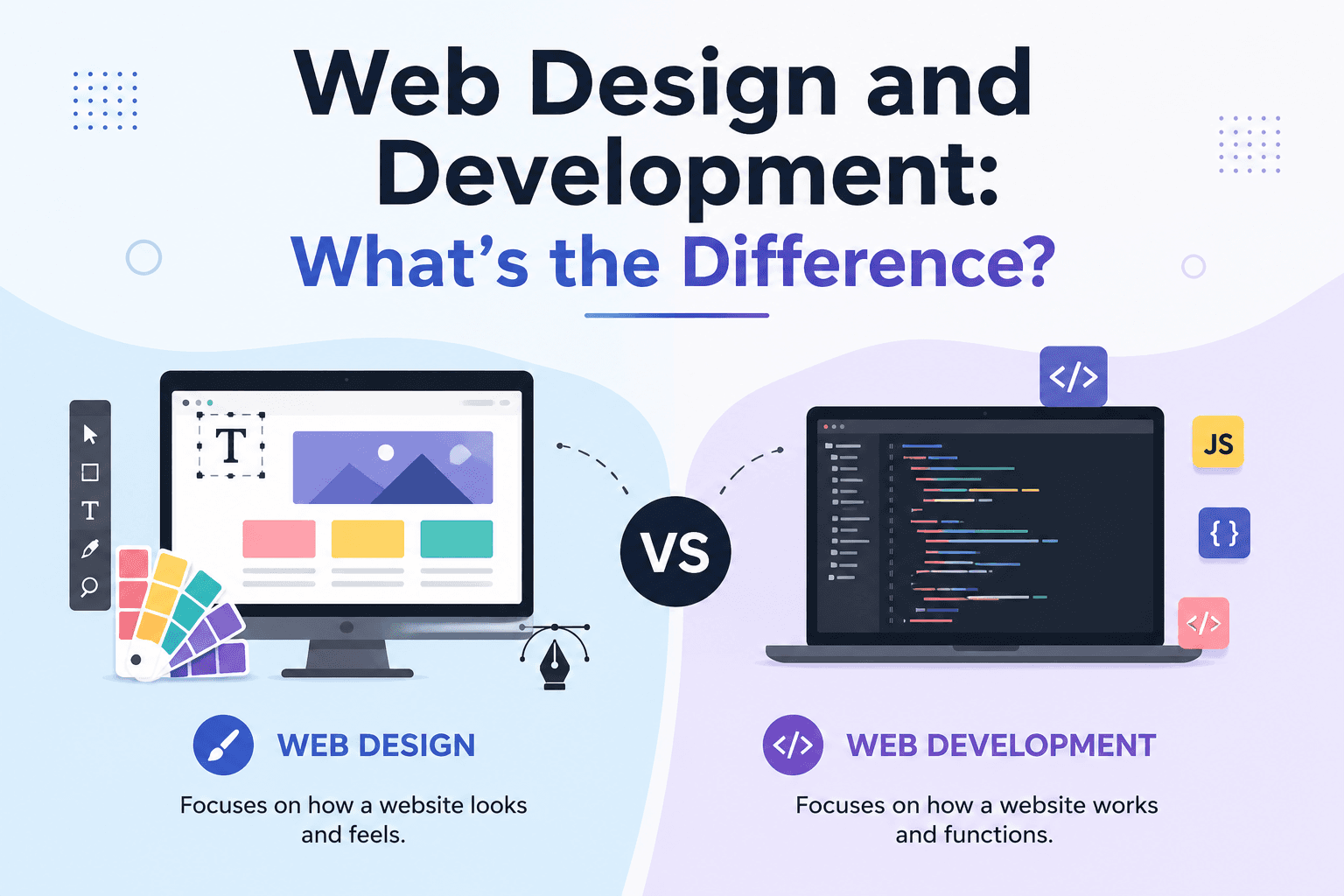
Web design refers to the visual and experiential side of building a website. It's about how a site looks, feels, and flows for the person using it — colors, layout, typography, imagery, and the overall user journey. Web designers think like architects and artists at once, shaping something that is both beautiful and intuitive to use.
Web development, on the other hand, is the technical process of turning that design into a functioning website. Developers write the code — HTML, CSS, JavaScript, and often backend languages like PHP, Python, or Ruby — that brings the design to life in a browser. They handle everything from making buttons clickable to connecting a site to a database.
In short: design is about how a website looks and feels, while development is about how it works. A great website needs both working in harmony — a stunning design with poor functionality frustrates users, and flawless code wrapped in a confusing layout drives visitors away just as quickly.
Web Design Elements
Good web design isn't just about making things "look nice." It involves a set of deliberate choices that shape how visitors perceive and interact with a brand online.
Layout and Design
The layout is the skeleton of a website — how content is arranged on the page, where the eye is drawn first, and how elements relate to one another. A well-planned layout guides visitors naturally through information without overwhelming them, using whitespace, grids, and visual balance to create clarity.
Branding and Colors
Colors and branding elements communicate a company's personality before a single word is read. A palette that reflects a brand's identity — whether bold and energetic or calm and professional — helps build recognition and trust. Consistency across colors, fonts, and imagery reinforces that a visitor is in the right place.
Graphics
Icons, illustrations, photography, and other visual assets add personality and help explain complex ideas quickly. Thoughtful graphics can turn a wall of text into an engaging, digestible experience, while poor or generic imagery can make a site feel impersonal or outdated.
Hierarchy
Visual hierarchy determines what visitors notice first, second, and third. Through size, contrast, spacing, and positioning, designers guide attention toward the most important elements — like a headline, a call-to-action button, or a key product feature — so nothing gets lost in the noise.
Navigation
Navigation is the roadmap of a website. Menus, buttons, and links need to be logically organized and easy to find so users can move through the site without frustration. Intuitive navigation reduces bounce rates and keeps visitors engaged longer.
Accessibility
Accessibility ensures that a website can be used by everyone, including people with visual, auditory, motor, or cognitive impairments. This includes things like sufficient color contrast, alt text for images, and keyboard-friendly navigation. Beyond being good practice, accessibility is increasingly a legal requirement in many regions.
Website Speed
Even the most beautiful design falls flat if the site takes too long to load. Speed affects both user experience and search rankings, making it a critical, often underappreciated part of design strategy — designers must balance rich visuals with performance.
Web Development Elements
While design shapes the experience, development is what makes that experience actually function.
Programming
At its core, development is about writing clean, functional code. This includes frontend languages like HTML, CSS, and JavaScript, as well as backend languages and frameworks that handle server logic, databases, and application behavior.
SEO
Developers play a key technical role in search engine optimization by ensuring clean code, proper site structure, fast load times, and mobile responsiveness — all factors that search engines use to rank websites.
Optimization
Optimization goes beyond speed to include things like image compression, efficient code, caching strategies, and minimizing unnecessary scripts. A well-optimized site performs smoothly across devices and connection speeds.
Structure
The underlying structure of a website — how pages, URLs, and files are organized — impacts everything from user navigation to search engine crawling. Developers build this architecture to be logical, scalable, and easy to maintain.
CMS Operations
Many websites run on content management systems like WordPress, Shopify, or Webflow. Developers configure, customize, and maintain these systems, building templates and functionality that allow non-technical users to update content easily.
Combine Web Design and Development
The truth is, web design and web development are not competing disciplines — they're two halves of the same whole. A gorgeous design with no functional backbone is just a picture. A technically flawless website with no design thought behind it is hard to use and forgettable. The best digital experiences happen when designers and developers collaborate closely from the very beginning of a project, rather than working in silos and handing off finished work to one another.
When design and development are combined effectively, the result is a website that not only looks professional and on-brand but also loads quickly, ranks well in search engines, and provides a seamless experience for every visitor. Whether you're building a personal portfolio or a full-scale e-commerce platform, investing in both design and development — and making sure they talk to each other throughout the process — is the key to creating a website that truly works.
In the end, understanding the difference between web design and web development isn't just an academic exercise. It helps you ask the right questions, hire the right people, and set realistic expectations for your next web project. Design and development aren't rivals; they're partners, and the best websites are proof of what happens when the two work together.