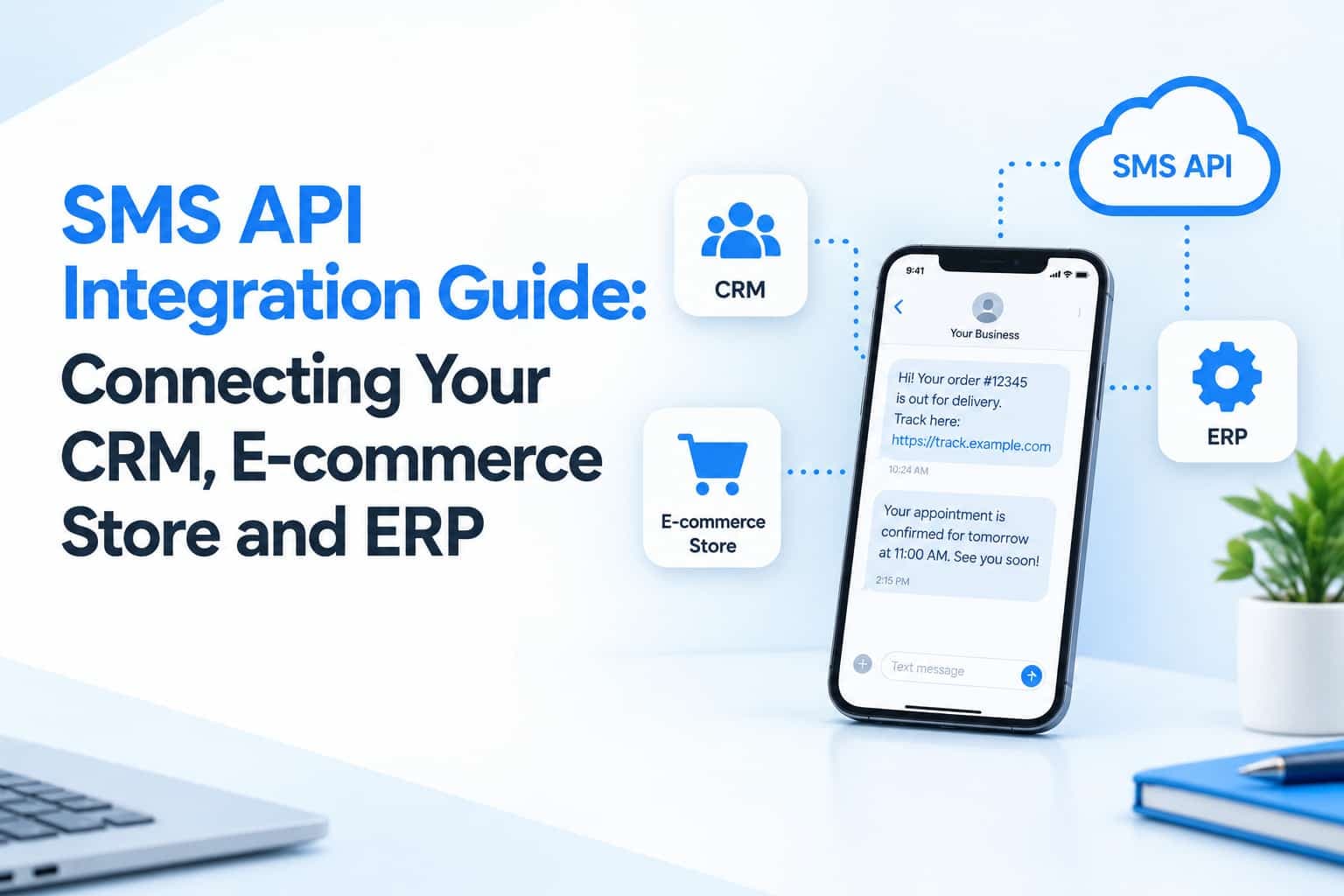
Manually uploading contact lists works for occasional campaigns. As volumes grow, however, most businesses want messages to be triggered automatically by events in their own systems: an order placed, an invoice issued, an appointment booked or a support ticket resolved. That is what an SMS API integration provides. It connects your software directly to a messaging platform, so communication becomes a built-in part of your processes rather than a separate task someone has to remember.
What an SMS API Does
An API, or application programming interface, allows one piece of software to talk to another. In the SMS context, your application sends a request containing the recipient's number, the sender name and the message text, and the messaging platform handles routing and delivery. It then reports back the status, often through a callback to your system once the message is delivered or fails. Most providers offer REST APIs that use standard web requests and JSON data, while some also support the SMPP protocol for very high-volume sending.
Common Integration Points
E-commerce platforms are among the most popular places to integrate. Order confirmations, shipping updates and abandoned-cart reminders can be triggered from stores built on platforms such as Shopify or WooCommerce, or from custom-built systems, through plugins, webhooks or direct API calls. Customer relationship management systems use SMS to follow up when a lead changes stage, to remind sales staff of appointments and to record message history against each contact so that everyone sees the full picture.
Accounting and enterprise resource planning systems can notify customers when invoices are issued or payments become overdue, and confirm receipts automatically. Booking and scheduling tools send confirmations and reminders that reduce no-shows. Authentication systems deliver one-time passwords, where speed and reliability are essential. Each of these integrations follows the same basic pattern, so lessons learned from one carry over to others.
What to Check Before You Build
Documentation quality is the first indicator of a developer-friendly provider. Clear examples, complete error code lists and a test environment save days of development time. Look at how authentication works, since API keys or tokens should be easy to rotate if they are ever exposed. Confirm that the platform provides delivery reports through callbacks, because these let your system know whether each message actually arrived rather than just whether it was accepted.
Throughput matters as well. Check the rate limits and ask whether the platform can handle your peak sending without queues building up, which is vital for time-sensitive messages like one-time passwords. Finally, confirm that sender ID and template requirements for the UAE or other destination countries are supported, since regulatory rules affect what you can send and how it must be registered.
Engineering Best Practices
Good integrations assume that things will occasionally go wrong. Queue outgoing messages so that a temporary failure does not lose them, retry with increasing delays when a request fails, and use idempotency keys where the provider supports them so that a retry never results in the same customer receiving duplicate messages. Normalize phone numbers to international format before sending, and validate them early to avoid paying for messages that can never be delivered.
Keep security in mind throughout. Store API keys in environment variables or a secrets manager rather than in code, and never expose them in browser-side scripts where anyone could copy them. Limit who in your organization can view or change credentials. Log every message with its identifier, timestamp, status and any error code, so that you can investigate complaints and satisfy audits.
Build Consent Into the Integration
Automation makes it easy to send a great many messages quickly, which makes consent controls even more important. Marketing messages should be triggered only for contacts who have opted in, and opt-out requests should be processed automatically across all your systems. Keep transactional and promotional flows separate, using the appropriate sender IDs and templates for each. If your integration cannot tell the difference between the two, you risk compliance problems and unhappy customers.
Test Thoroughly
Test beyond the happy path. Send long messages that split into multiple segments, include Arabic text and special characters, and try invalid or landline numbers to see how errors are handled. Simulate provider downtime if possible, and confirm that your system queues and recovers correctly. Check that delivery reports update the right records in your database and that failed messages are flagged for attention instead of silently disappearing.
Monitor After Launch
Integrations can break without anyone noticing, for example when a credential expires, a template is changed or a network issue affects one route. Track delivery rate, delivery time and error codes continuously, and set alerts for unusual spikes in failures or volume. Review the logs regularly to see whether certain operators, message types or times of day cause problems.
Conclusion
A well-built SMS API integration turns messaging into an automatic part of your business processes. Choose a provider with clear documentation and dependable delivery reporting, build in error handling, security and consent controls from the start, and monitor performance after launch. The payoff is faster customer communication, fewer manual tasks and a smoother experience for everyone involved, which is exactly what growing businesses need as their volumes and expectations increase.