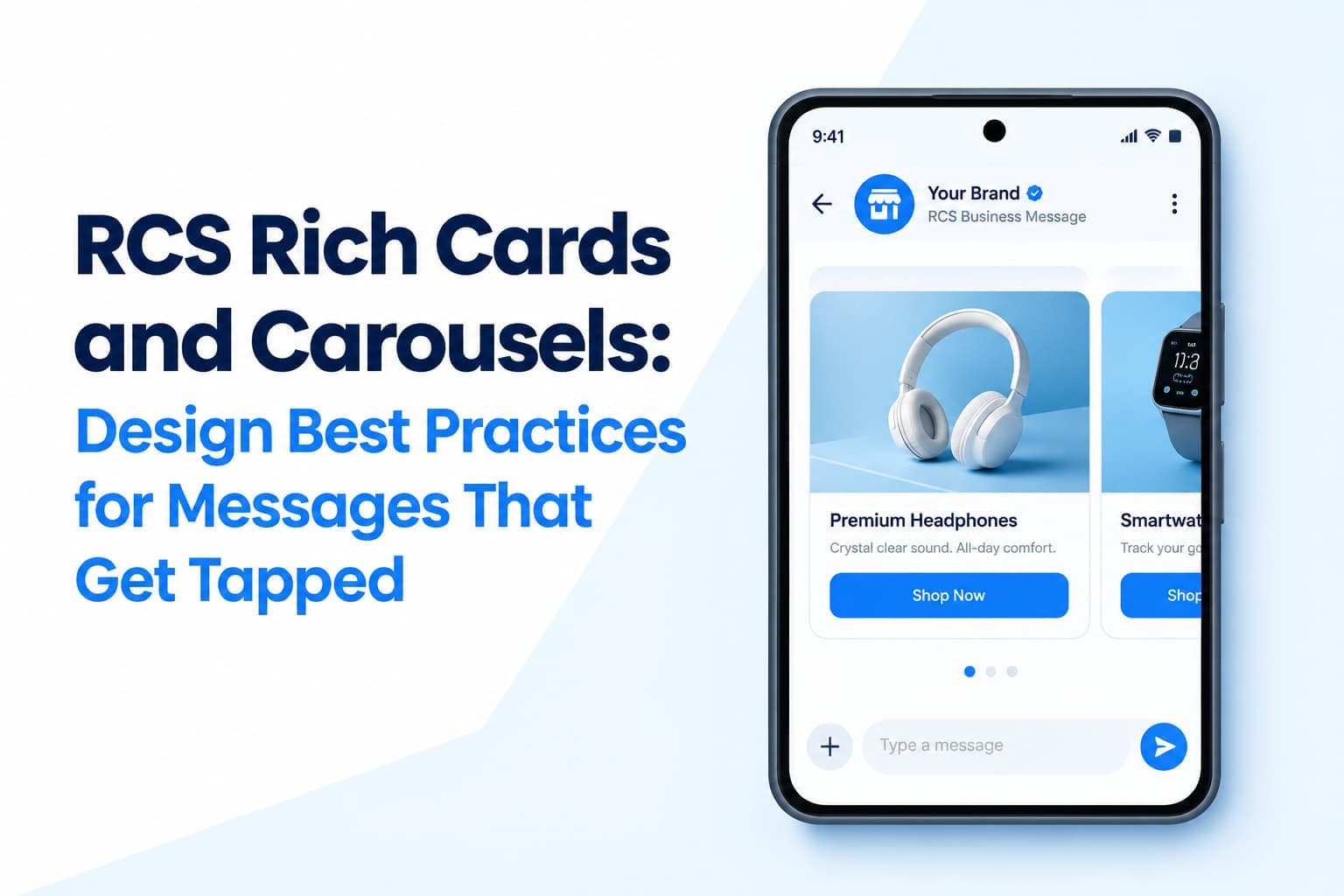
RCS, or Rich Communication Services, upgrades the basic text message into an app-like experience with images, carousels, buttons and verified sender branding. But rich features only help if the design is clear. A cluttered card with too many buttons can perform worse than a simple, well-written text. This guide covers the building blocks of RCS and the design principles that help messages earn attention and action rather than just look impressive.
Understanding the RCS Building Blocks
RCS supports several message formats. Standard text messages can be longer than traditional SMS and may include read receipts and typing indicators in supported environments. Rich cards combine an image or video with a title, a description and one or more buttons, forming a self-contained mini-page within the conversation. Carousels present several cards that the recipient can swipe through, which suits products, offers or choices. Suggested replies offer tappable quick answers such as confirm or reschedule, while suggested actions let people open a link, call a number, share a location or add an event to their calendar with a single tap.
One Message, One Goal
The most important design principle is clarity of purpose. Decide what you want the customer to do and make that action the most prominent button. When every card offers five equally weighted choices, people hesitate or ignore the message entirely. If you need to support several goals, send separate messages at appropriate moments instead of cramming everything into one. A focused message is easier to write, easier to understand and easier to measure.
Lead With a Strong Visual
The image in a rich card is the first thing a recipient sees, so it deserves real attention. Use clear, high-quality photographs that show the product or context, cropped correctly for the card format so that nothing important is cut off. Avoid placing dense text inside images, because it can be unreadable on small screens and inaccessible to people using screen readers. Keep the visual style consistent across your cards so the message feels like it comes from a recognizable brand.
Write Short Titles and Descriptions
Card titles should be concise and descriptive, telling the customer immediately what the card is about. Use the description for the key benefit or detail, such as the price, date, status or a short feature summary. Resist the temptation to fill all available space. Customers read these cards on a phone, often while doing something else, and brief, scannable text is far more effective than a paragraph of explanation.
Make Buttons Specific
Button labels should tell people exactly what will happen when they tap. A label such as view my order, confirm appointment or get directions is much clearer than a generic prompt such as click here. Keep labels short, since space is limited, and make sure the destination matches the promise. A button that takes the customer to an unrelated page damages trust and wastes the opportunity.
Use Carousels Purposefully
Carousels are powerful but easy to overuse. Order the cards by relevance, placing the most important or most likely option first, because many people will not swipe beyond the second or third card. Keep a consistent image style and structure across the cards, and limit the total number so that each card has a real chance of being seen. A carousel of five relevant products usually outperforms a carousel of twelve loosely related ones.
Practical Use Cases
Retailers can send a product carousel with buy and details buttons, letting customers browse without leaving their messages. Travel companies can use a booking card with an add-to-calendar action and directions to the airport or hotel. Clinics and service providers can send an appointment card with suggested replies to confirm or reschedule. Delivery businesses can use a status card with a tracking link and a button to contact the driver. In each case, the rich format reduces the steps between receiving the message and completing the task.
Plan Your SMS Fallback
RCS availability depends on the recipient's device, mobile network and region, so some customers will not be able to receive rich messages. Always configure a fallback to standard SMS with a simplified version of the message, and design it deliberately. A rich card that degrades into a confusing block of text with a broken link is worse than a simple SMS written for the purpose. Check that the essential information and a working link survive in the fallback version.
Test and Measure
Preview your messages on different screen sizes, in dark mode and on different devices, and confirm that every button and link works as intended. After sending, compare delivery, read, click and conversion rates against equivalent SMS campaigns, and test one variable at a time, such as the main image, the button label or the order of cards. Over time, these tests reveal what your particular audience responds to, which is more valuable than any general rule.
Conclusion
RCS gives brands far more room to communicate, but clarity still wins. Choose one goal per message, use strong visuals and specific buttons, build a thoughtful SMS fallback and test across devices. Treat each campaign as an experiment and learn from the results. Done well, rich messaging does not just attract attention; it makes it easier for customers to do what they came to do, and that is what ultimately turns engagement into results.