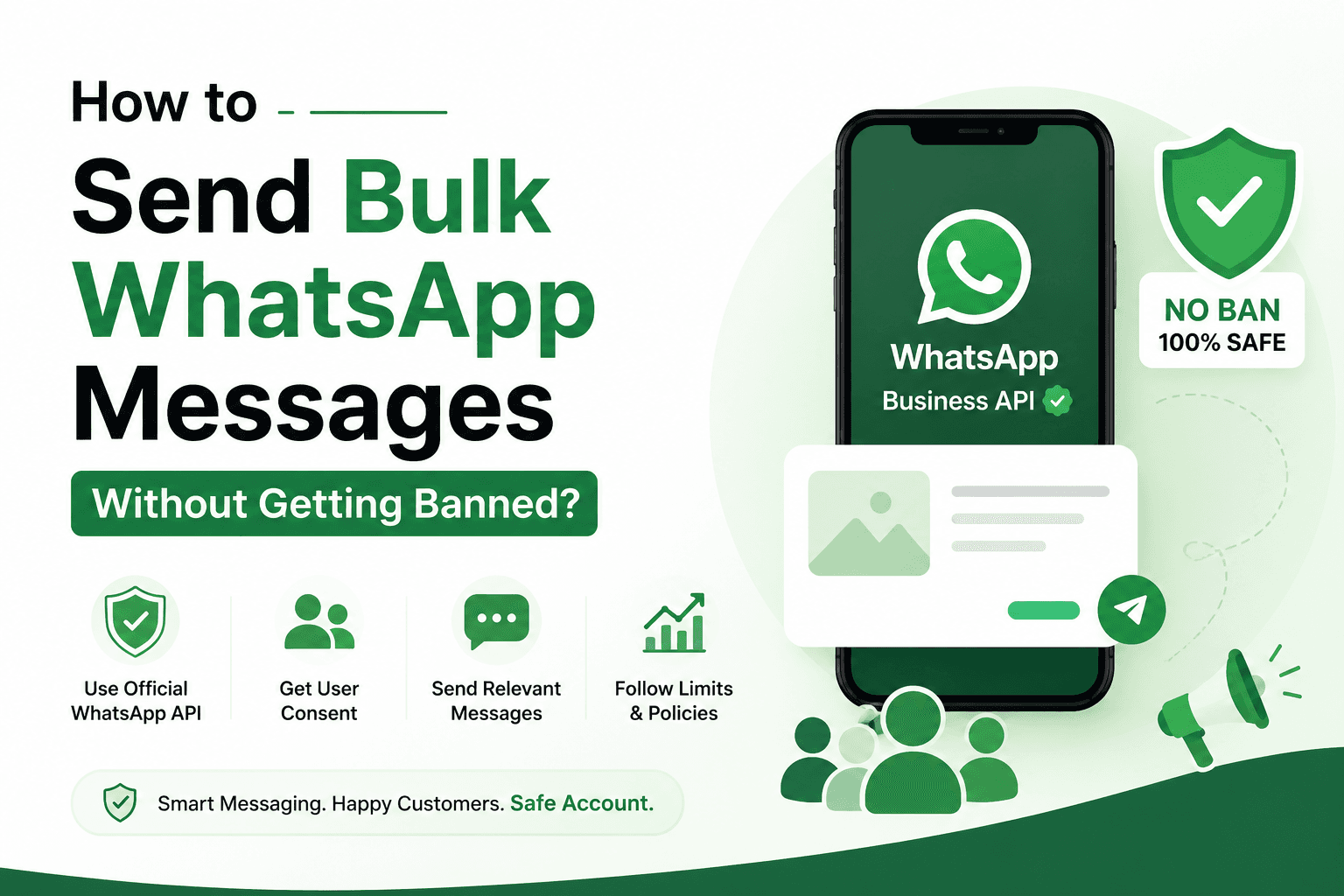
With over two billion users worldwide, WhatsApp has become one of the most powerful channels for businesses to reach customers directly. It offers incredible open rates compared to email, and customers are far more likely to read a WhatsApp message than a promotional email sitting in their inbox. Naturally, businesses want to tap into this by sending bulk messages to hundreds or thousands of customers at once.
But here's the catch: WhatsApp has strict rules about how businesses can communicate, and if you're not careful, you can find your number banned or restricted overnight. This is especially painful if you've built your customer relationships around WhatsApp and suddenly lose access.
In this guide, we'll walk through why bans happen, the safest tools to use, and the best practices you need to follow to run bulk WhatsApp campaigns without putting your account at risk.
Table of Contents
Key WhatsApp Messaging Statistics
Why WhatsApp Bans Business Accounts
WhatsApp Business App vs. WhatsApp Business API: Which Should You Choose?
What Are the Limitations of WhatsApp Bulk Messaging?
How to Send Bulk WhatsApp Messages Safely
WhatsApp Bulk Messaging Compliance Checklist
Conclusion
Key WhatsApp Messaging Statistics
Before diving into the "how," it helps to understand why WhatsApp matters so much for business communication. WhatsApp messages see open rates as high as 98%, compared to roughly 20% for email. Response times are also dramatically faster, with most messages read within minutes of being sent. Additionally, WhatsApp Business accounts are used by tens of millions of businesses globally, and adoption continues to grow every year, particularly in regions like Asia, Latin America, and the Middle East. These numbers explain why bulk WhatsApp messaging is so attractive, but they also explain why WhatsApp is so protective of the user experience on its platform — and why it polices bulk senders so closely.
Why WhatsApp Bans Business Accounts
WhatsApp's core mission is to keep the platform a trusted, spam-free space for personal conversations. When businesses abuse this trust, WhatsApp takes action. Common reasons for bans include:
Sending unsolicited messages to people who never opted in or gave consent.
High spam-report rates, where recipients mark your messages as spam or block your number.
Using unofficial or third-party tools that violate WhatsApp's terms of service, including bulk-sending apps that mimic human behavior through automation loopholes.
Sending too many messages too quickly, which looks like bot-like behavior to WhatsApp's systems.
Low-quality or irrelevant content that doesn't match what recipients expect from your business.
Poor account quality ratings, which accumulate over time based on user feedback and complaint history.
Any one of these can trigger a temporary restriction, and repeated violations often lead to a permanent ban.
WhatsApp Business App vs. WhatsApp Business API: Which Should You Choose?
This is one of the most important decisions you'll make. The WhatsApp Business App is a free, mobile-first tool designed for small businesses. It's great for one-on-one conversations, quick replies, and basic catalog features, but it was never built for bulk messaging. Using it for mass outreach — especially with third-party automation tools — puts your number at high risk of a ban.
The WhatsApp Business Platform (API), on the other hand, is designed specifically for larger-scale, structured communication. It's used through official Business Solution Providers (BSPs) and gives you access to pre-approved message templates, higher messaging limits, multi-agent support, and detailed analytics. Because it operates within WhatsApp's official infrastructure and policies, it's the only truly safe path for businesses that need to send messages in bulk.
If you're serious about scaling WhatsApp as a marketing or support channel, the API is not optional — it's essential.
What Are the Limitations of WhatsApp Bulk Messaging?
Even with the official API, there are limits you need to understand:
Messaging tiers: New API accounts start with a limit on how many unique customers they can message in 24 hours. This limit increases automatically as your account maintains good quality and engagement.
24-hour customer service window: You can only send free-form messages within 24 hours of a customer's last message. Outside that window, you must use a pre-approved template message.
Template approval process: All marketing and utility templates must be submitted to WhatsApp for approval before use, which can take anywhere from a few hours to a couple of days.
Quality rating enforcement: If your quality rating drops, WhatsApp can lower your messaging tier or pause your account entirely, regardless of how many messages you're technically allowed to send.
Understanding these limitations upfront helps you plan realistic campaigns instead of running into unexpected roadblocks.
How to Send Bulk WhatsApp Messages Safely
1. Use the Official WhatsApp Business Platform (API)
This is the foundation of safe bulk messaging. Only work with approved Business Solution Providers, and avoid any tool that promises "unlimited messaging" or bypasses WhatsApp's official infrastructure. If a tool sounds too good to be true, it likely violates WhatsApp's terms and puts your number at risk.
2. Get Customer Consent Before Messaging
Never message someone who hasn't explicitly opted in. Consent can be collected through a website form, in-store sign-up, checkout process, or an existing customer relationship where the person has provided their number for communication. Documenting this consent also protects you if WhatsApp ever asks for proof of permission.
3. Limit the Number of Messages You Send
Even within your allowed messaging tier, avoid sending at the maximum volume constantly. Gradually ramp up your sending volume, especially with a new number, and monitor how recipients respond before scaling further.
4. Always Provide an Opt-Out Option
Every bulk message should make it easy for recipients to stop receiving messages, such as replying "STOP" or clicking an unsubscribe link. This reduces spam complaints and shows WhatsApp that you respect user preferences, which directly protects your quality rating.
5. Send Relevant and Personalized Messages
Generic, irrelevant blasts are the fastest way to get reported. Segment your audience and tailor messages based on their interests, purchase history, or previous interactions. Personalization not only improves engagement but also reduces the likelihood of being marked as spam.
6. Monitor Your WhatsApp Quality Rating
Your quality rating (visible in the WhatsApp Manager) reflects how recipients are responding to your messages. Keep an eye on block rates, spam reports, and negative feedback. If your rating starts to drop, pause and reassess your messaging strategy before it affects your tier or leads to a ban.
7. Use Group Chats Responsibly
While WhatsApp groups can be useful for community building, they aren't designed for bulk marketing blasts. Avoid adding people to groups without consent, and never use groups purely as a mass broadcast tool, as this often leads to mass reporting.
WhatsApp Bulk Messaging Compliance Checklist
Before launching any bulk campaign, run through this quick checklist:
Using the official WhatsApp Business Platform (API) through an approved provider
All recipients have given explicit opt-in consent
Messages are relevant, personalized, and add value
An opt-out option is included in every campaign
Sending volume matches your current messaging tier
Templates are approved before use for out-of-window messaging
Quality rating is monitored regularly
No unofficial or third-party automation tools are being used
If you can check every box, you're in a strong position to scale your WhatsApp outreach safely.
Conclusion
Bulk WhatsApp messaging can be an incredibly effective way to reach customers, but only when it's done the right way. The businesses that get banned are almost always the ones cutting corners — using unofficial tools, skipping consent, or ignoring their quality ratings. By committing to the official WhatsApp Business Platform, respecting customer consent, and following WhatsApp's messaging guidelines closely, you can build a sustainable, long-term messaging channel that customers actually welcome rather than block. Treat WhatsApp as a trust-based platform, and it will reward you with some of the highest engagement rates available in digital marketing today.